

How to reset your password
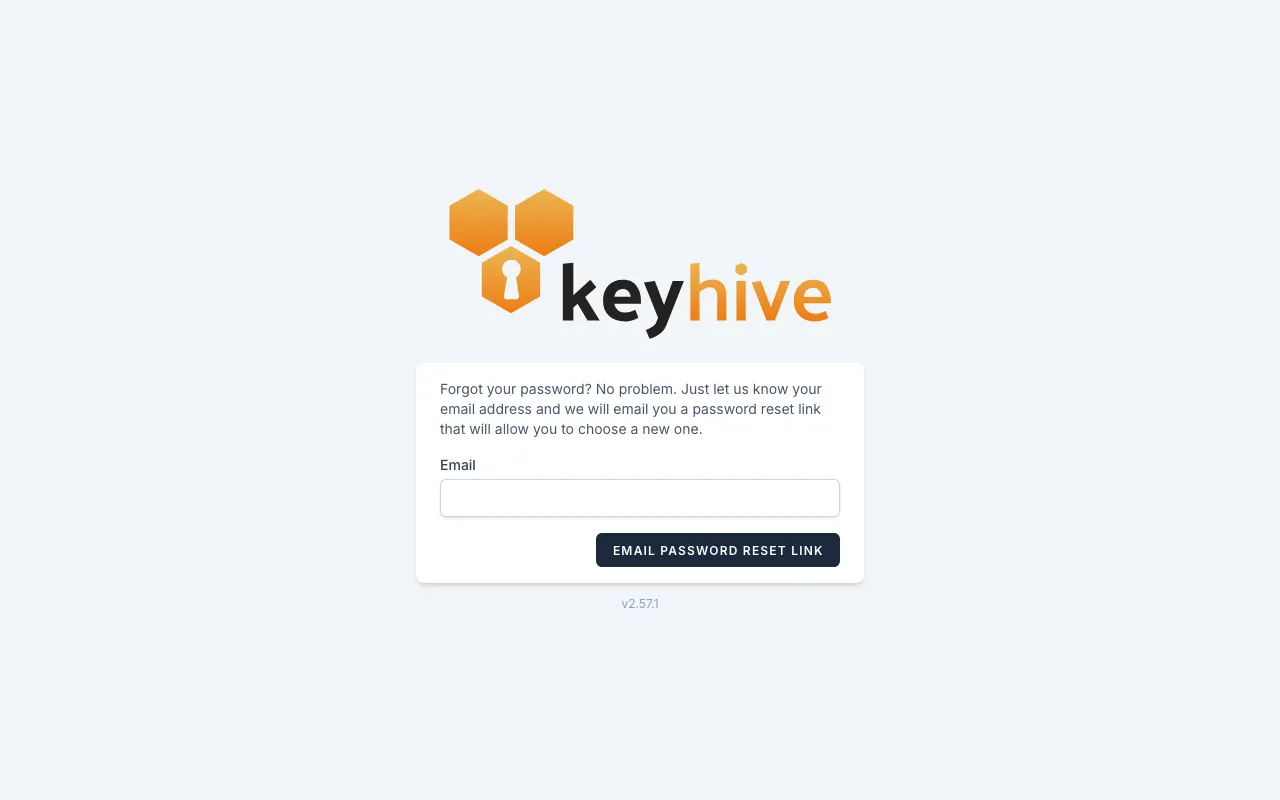
In short: Go to admin.keyhive.io/forgot-password, enter the email address you sign in with, and Keyhive emails you a link to choose a new password.
When you’d do this: When you can’t remember your password, or you’ve been locked out and need a way back in. You do it yourself, and nobody has to set one for you.
Reset it
-
Go to admin.keyhive.io/login and click Forgot your password? under the sign-in form. (Or go straight to admin.keyhive.io/forgot-password.)
-
Enter the email address you sign in with and click Email Password Reset Link.
-
Open the email and click the link in it. It comes from noreply@keyhive.io.
-
Choose a new password, type it a second time to confirm, and click Reset Password.
You’re signed in straight away. There’s no separate sign-in step afterwards.
The link is only good for an hour. If you leave it longer than that, it stops working; come back to the forgot-password page and ask for another.
If the email doesn’t arrive
- Check your junk folder for noreply@keyhive.io.
- Check the address. The email only goes to an address that’s on a Keyhive account, and you’ll be told if it isn’t one. It has to be the address you sign in with, not another one you use.
- Give it a minute. You can only ask for one link a minute, so a second click straight away won’t send another.
Changing your password when you already know it
You don’t need the email for this.
-
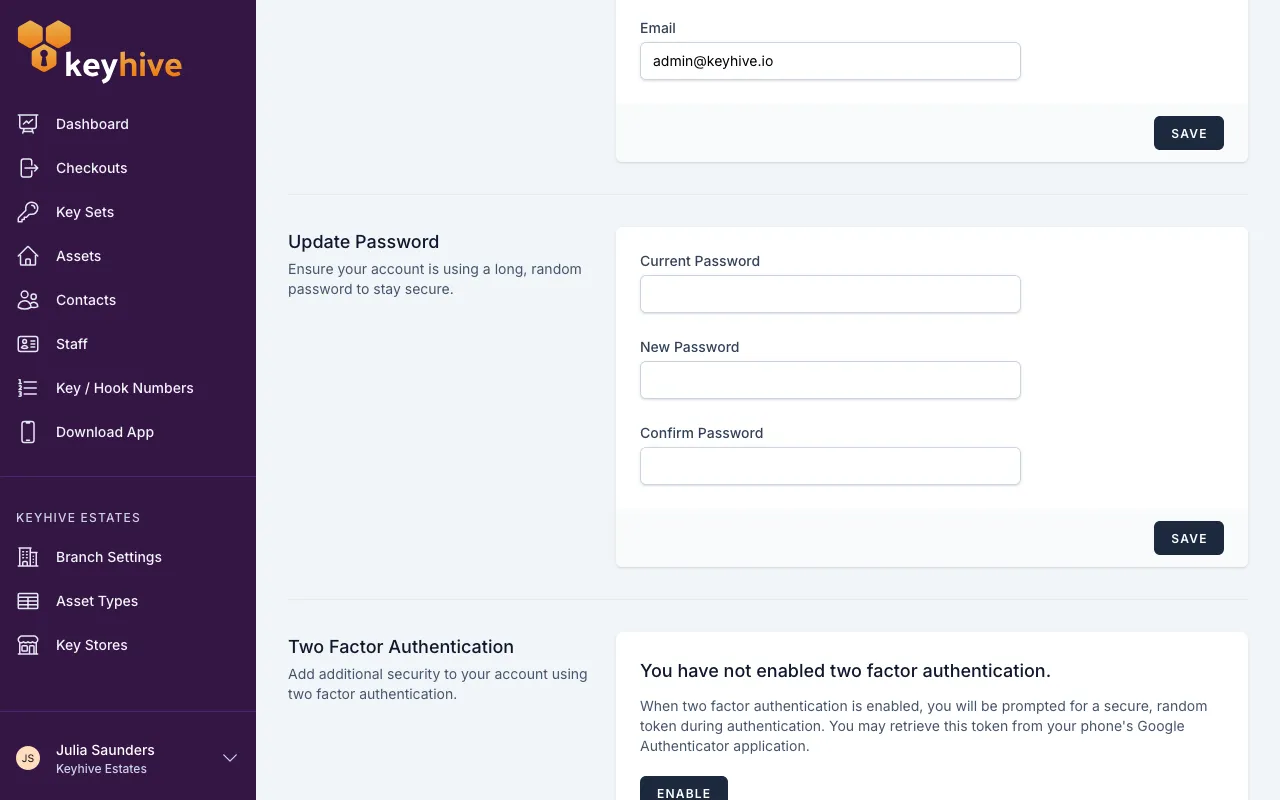
Click your name at the bottom of the sidebar, then Profile Settings.
-
Find the Update Password panel. Enter your current password, then the new one twice, and click Save.
Your Hive password is a different thing
The Hive doesn’t use your personal password. It signs in with its own Hive username and password, shared by everyone who uses it, and resetting your own password doesn’t touch it.
If it’s the Hive that won’t sign in, an admin can find and change those details in the portal under Branch Settings. See Changing your Hive’s password.